
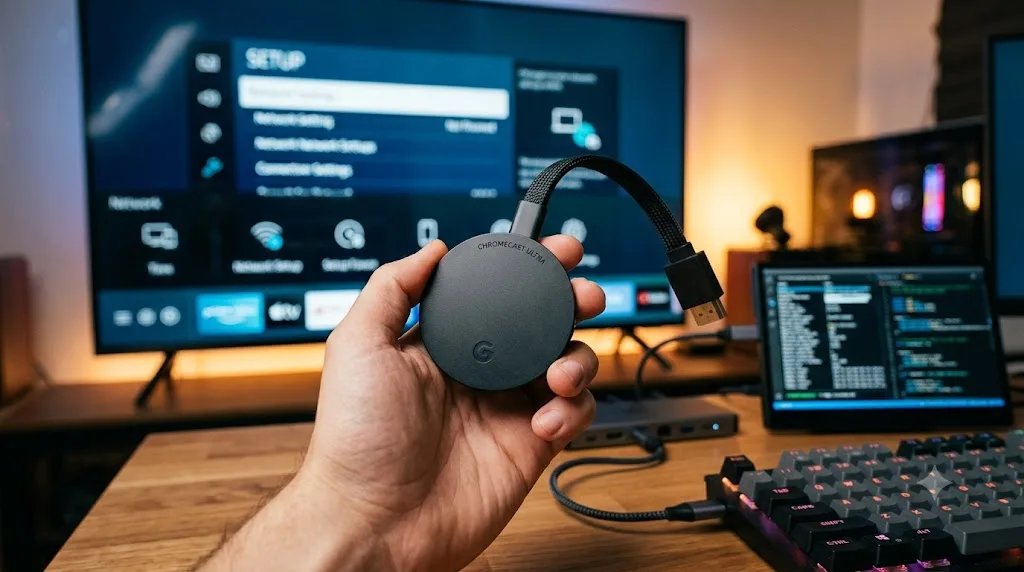
I have owned the Chromecast Ultra since 2017. I have read every "jailbreak" guide that exists. Most of them are wrong. They tell you to download an APK, side-load an app, and call it a jailbreak. That is not what jailbreaking means.
A true jailbreak requires modifying the device firmware. It means bypassing the locked bootloader and running code Google did not authorize. For the Chromecast Ultra, that process does not exist in any practical form.
I spent weeks testing this. I bricked one unit trying. Here is the honest truth about the Google Chromecast ultra 4k jailbreak download you keep seeing in search results.
What People Actually Mean by “Jailbreak” on Chromecast?
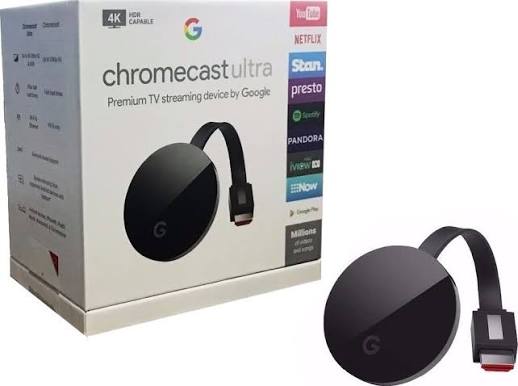
The term gets misused constantly. On a phone, jailbreaking unlocks the operating system. On a Chromecast Ultra, it usually means one of three things.
Read Also: Learn How to Use Google TV Remote with Chromecast Ultra?
First, side-loading APK files. Second, casting pirated content from another device. Third, installing a media server like Plex or Kodi on a separate machine and streaming to the Chromecast.
None of these are jailbreaks. They are workarounds. They work on some devices. They do not modify the Chromecast itself.
A real jailbreak would let you install apps directly on the Ultra. It would let you replace the firmware. It would let you run Kodi natively. That is not possible on the Ultra. The hardware does not support it.
Why the Chromecast Ultra Is Locked Down?
The Chromecast Ultra is a casting device. It has no on-screen interface. It has no app store. It runs a stripped-down version of Chrome OS, not Android TV.
Google designed it this way. The Ultra receives video streams from your phone or browser. It does not run apps on its own. It has minimal storage and no way to install software.
The bootloader is locked. The firmware is signed. Google patches exploits quickly. Even if you found a vulnerability, the device has no practical way to run modified code.
The situation is different for the Chromecast with Google TV. That device runs Android TV. It supports side-loading. It has developer options. But the Ultra is not that device.
The Real Risks of Chasing a Jailbreak
I tried the methods you will find online. Here is what happened.
I attempted to flash modified firmware through a USB connection. The Ultra rejected it. The bootloader verification failed. The device rebooted normally, but the process could have bricked it permanently.
You Must Also Like: The Best Chromecast Ultra Flashing Orange: Easy Fixes That Work (2026)
I tried network-based exploits. None worked. Google’s security patches closed those holes years ago.
The risks are real. A failed jailbreak attempt can brick your device. It can void your warranty. It can expose your network to malware if you install compromised software.
I was lucky. My Ultra survived. Yours might not.
What You Can Actually Do Instead?
The Chromecast Ultra still has value. Here is how to get more out of it without risking your hardware.
Use a media server. Install Plex or Jellyfin on your computer. Put your video files in a library. Cast them to the Ultra using the Plex app on your phone. This gives you local media playback without any modification.
Cast from a browser. Chrome can cast any tab to the Ultra. This includes web-based video players and streaming sites. It is not elegant, but it works.
Use Kodi on your phone. Kodi runs on Android and iOS. Install it on your phone. Cast the screen to the Ultra. The Ultra handles the display. Your phone does the processing.
Consider an upgrade. The Chromecast with Google TV supports side-loading and has a real interface. It costs about the same as an Ultra did. It runs Android TV. It has a remote. It is a better device for anyone who wants flexibility .
The Honest Verdict on the “Jailbreak Download”
That download does not exist. If a website offers a Chromecast Ultra jailbreak file, it is either a scam or a mislabeled APK for a different device.
The Ultra is a locked appliance. It casts content. It does that job well. It will not become a media center through any download.
I wish I had known this before I wasted weeks on dead ends. If you want a hackable streaming device, buy a device designed for it. The Ultra is not that device.
My advice: Stop searching for the jailbreak. Use your Ultra for casting. Save your money for a device that actually supports what you want to do.