
I pulled my Chromecast Ultra out of a drawer last month to test a theory. A friend insisted his new Google TV Streamer made it obsolete. He was wrong. For pure casting, the Ultra still does the one thing it was built for better than anything Google sells today. But for everything else, the Streamer wins.
If you are searching for Google Chromecast ultra 4k ultra HD streaming advice or wondering whether to upgrade, this guide comes from actually using both. Here is the honest breakdown, including the setup steps that still work and the comparison that matters in 2026.
The Chromecast Ultra Setup (It Still Works, With One Catch)
The Ultra is a casting device. It does not have a remote. It does not have an on-screen interface. You control it entirely from your phone. That is its strength and its limitation.
Read Also: Unlocking Potential: Google Chromecast Ultra 4K Jailbreak Download
Google's support pages confirm the setup process. You need the Google Home app, a Google account, a 4K TV with HDMI, and a 5 GHz Wi-Fi network. The Ultra requires 802.11ac on the 5 GHz band for reliable 4K streaming.
Here is how to do it.
Plug the Ultra into your TV's HDMI port. Connect the power cable. The Ultra uses a Micro-USB port for power and data, and the power adapter includes an Ethernet port if your Wi-Fi is weak.
Open the Google Home app on your phone. Tap the plus icon. Select "Device." Scan the QR code that appears on your TV screen. Follow the prompts. Connect the Ultra to your 5 GHz Wi-Fi network. Name the device. Done.
The catch: Google has not updated the Ultra's software in years. It still works. It still streams 4K HDR. But it receives no new features and no security patches. If you are setting one up today, know that you are using a discontinued product.
What the Ultra Does Well (And What It Doesn't)
The Ultra's spec sheet is narrow. It outputs 4K HDR. It supports Dolby Vision. It has an Ethernet port on the power brick for wired connections. It weighs 47 grams and hides behind your TV.
That is it. No remote. No storage for apps. No smart home hub. Every app runs on your phone and casts to the screen.
For some people, that is perfect. If you watch YouTube, Netflix, or Disney+ by finding the video on your phone and tapping the cast icon, the Ultra does exactly what you need. It is invisible. It is fast. It does not clutter your TV with another interface.
For everyone else, it is frustrating. You cannot browse apps on the TV. You cannot use a remote to pause without picking up your phone. You cannot install apps on the device itself.
The Google TV Streamer: The Replacement That Changes Everything
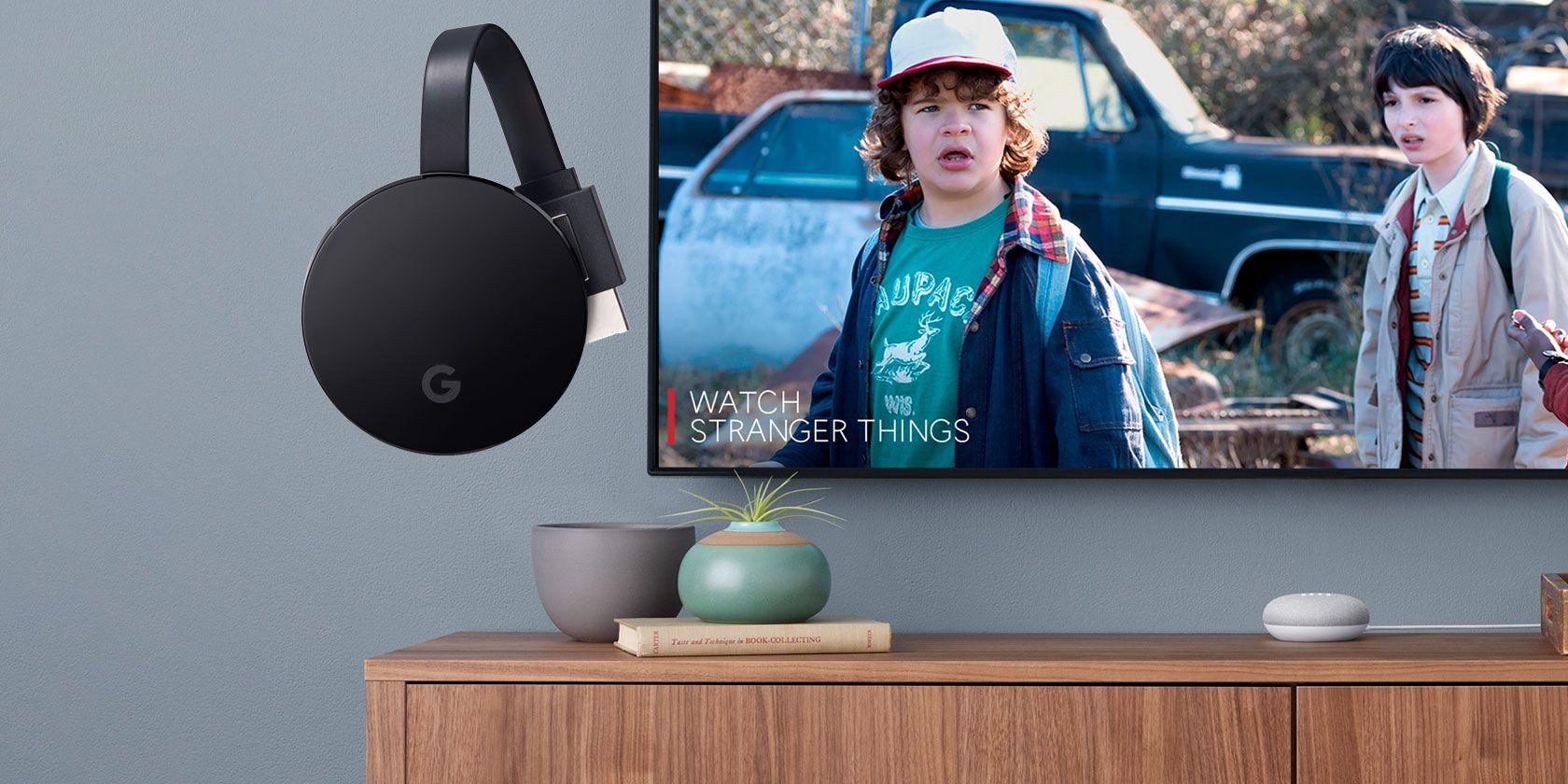
Google discontinued the Chromecast line and replaced it with the Google TV Streamer. It is a different product category. It is a set-top box with its own interface, a remote, and app storage.
You Must Also Like: Learn How to Use Google TV Remote with Chromecast Ultra?
The specs tell the story. The Streamer has 4 GB of RAM and 32 GB of storage. The Ultra has 2 GB of RAM and no app storage . The Streamer includes a voice remote with a "find my remote" feature. The Ultra includes nothing.
The Streamer supports Dolby Vision and Dolby Atmos. It has a built-in Ethernet port on the device itself, not on a power brick. It includes a Matter hub and Thread border router for smart home control.
The Streamer also runs Google TV OS, which means you browse apps on your TV, not your phone. You use a remote. You can install apps directly on the device.
The price difference is real. The Streamer costs around $100 to $120 depending on the retailer . The Ultra is discontinued, but if you find one, it sells for less.
Google TV Streamer vs Chromecast: Which One Actually Fits Your Life?
This is the question people are asking. The answer depends on how you watch TV.
Buy the Streamer if you want a traditional streaming experience. You want a remote. You want to browse Netflix on your TV without touching your phone. You want app storage. You want smart home control. You want the device Google currently supports with updates.
Stick with the Ultra if you already own one and it works. The Ultra still streams 4K HDR. It still casts from your phone. If your viewing habits are simple and your Ultra has not failed, there is no urgent reason to replace it. It is a discontinued product, but it is not broken.
Do not buy either if you are starting from scratch and want the best value. The Streamer is a competent device, but it is not cheap. A Roku or an Amazon Fire Stick costs less and does most of the same things.
The Streamer's advantage is deep Google integration. If you live in Google's ecosystem, it makes sense. If you do not, it is harder to justify.
One reviewer put it bluntly: the Chromecast will always be better than the Google TV Streamer for pure casting. The Streamer is a set-top box. The Ultra is a casting dongle. They solve different problems.
The Setup Mistake That Ruins 4K Streaming
The Ultra requires a 5 GHz Wi-Fi network for reliable 4K. Google's documentation is explicit about this. The 2.4 GHz band does not have the bandwidth for consistent 4K HDR streaming.
If your Ultra stutters or drops to 1080p, check your Wi-Fi band. Most routers broadcast both 2.4 GHz and 5 GHz under the same name. The Ultra might connect to the slower band. Separate the bands in your router settings and connect the Ultra to the 5 GHz network specifically.
The other option is Ethernet. The Ultra's power adapter has an Ethernet port. Plug in a cable. The stutter disappears. For a device that lives behind your TV, a wired connection is the most reliable path to 4K.
What I Would Tell Someone Asking About This?
If you own a Chromecast Ultra and it works, keep it. The setup takes ten minutes. The 4K streaming is still solid. The lack of updates is a concern, but it is not a crisis for a device that does one job.
If you are buying new, buy the Streamer. The Ultra is discontinued. The Streamer has a remote, storage, and updates. It costs more, but you get a supported product.
If you just want to cast from your phone and nothing else, neither is the obvious choice. A cheaper casting device from another brand does the same thing. The Ultra's only advantage was Google's ecosystem integration, and that advantage is fading as the device ages.
The Google Chromecast ultra 4k ultra HD streaming experience is still good. The setup still works. The 4K still looks sharp. But the device is a relic. Google moved on. You should know that before you plug it in.