
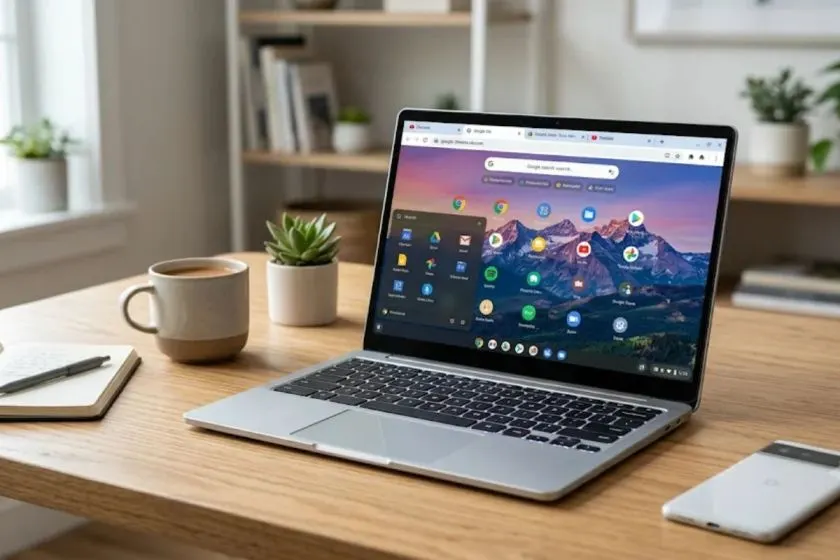
The Google atlas Chromebook is a ghost. It never hit store shelves. It never had a launch event. If you search for it today, you will find scraps from 2018 and 2019. Leaked videos. Geekbench scores. Wild guesses from tech blogs.
The device people now call the Pixelbook Go started life under the codename "Atlas". That is the whole story. Google killed the Pixelbook line in 2022 and never looked back.
I spent a week digging through old leaks and forum threads. I also tested a Pixelbook Go in 2026 to see if the hardware still makes sense. Here is what the Atlas actually was, what the Pixelbook Go specs look like, and whether you should buy one today.
The Google Atlas Chromebook Was Never a Real Product
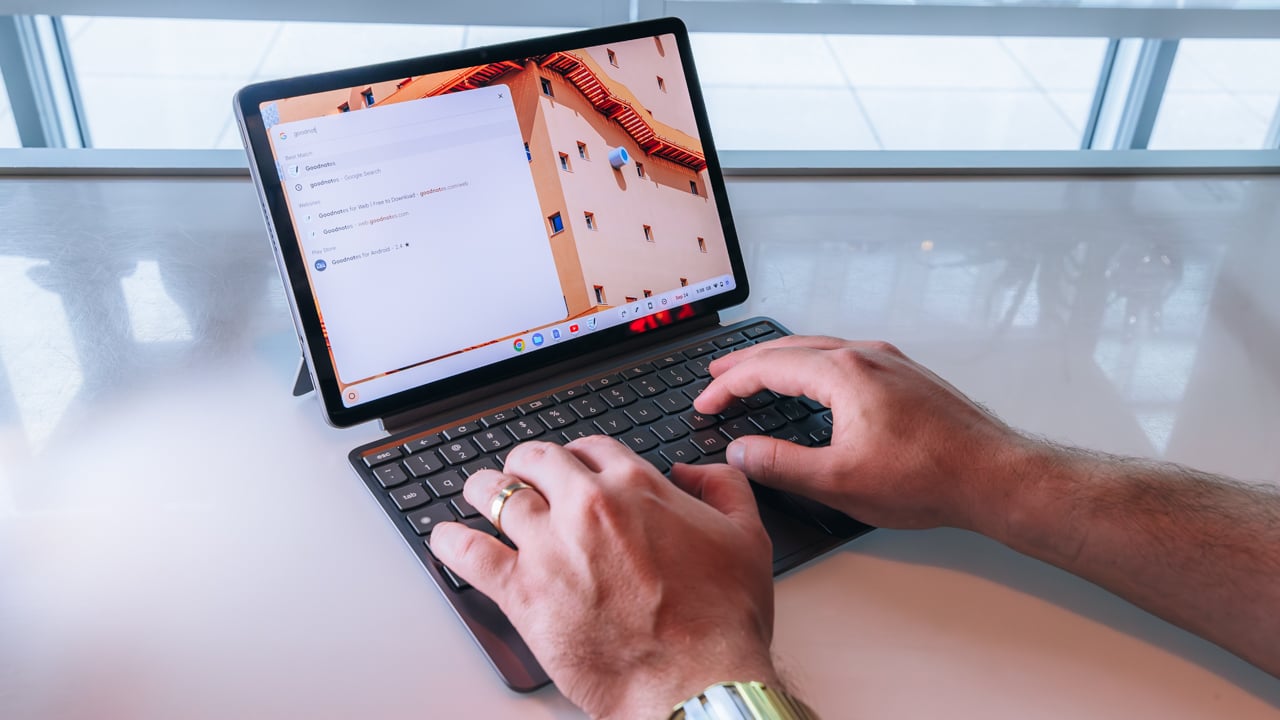
Let me clear this up fast. Atlas was an internal codename. Google used it during development. The leaks started in early 2018. A Chrome OS commit mentioned a 4K display. Then in March 2019, two short videos leaked on Twitter.
Read Also: Dell Chromebook Broken Screen? Stop Before You Buy a New Laptop!
They showed a clamshell laptop with rounded corners, a 16:9 screen, and a power button on the keyboard. People assumed it was the Pixelbook 2. It was not. By late 2019, Google released the device as the Pixelbook Go. The "Atlas" name died. No product ever shipped with that name on the box.
If you are searching for a Google Atlas Chromebook to buy, stop. It does not exist. What exists is the Pixelbook Go. That is the device you need to research.
The Leaked Specs That Turned Out Real
The Geekbench leaks from July 2019 were accurate. Atlas showed up with two processor options: an Intel Core i5-8200Y and an i7-8500Y. Both chips came from the same family used in the Pixel Slate. The benchmarks also showed 16GB of RAM in both models.
The final Pixelbook Go matched these leaks. Google sold it with m3, i5, and i7 chips. RAM options were 8GB or 16GB. Storage went from 64GB to 256GB. The 4K display rumor was also true. The high-end model had a 3840x2160 "Molecular Display" at 331 ppi.
Google Pixelbook Go Specs: The Real Numbers
Here is what you actually get if you find one of these laptops today. The Pixelbook Go weighs 1.06 kg for the 1080p model. The 4K version adds about 30 grams. That is lighter than most modern budget laptops.
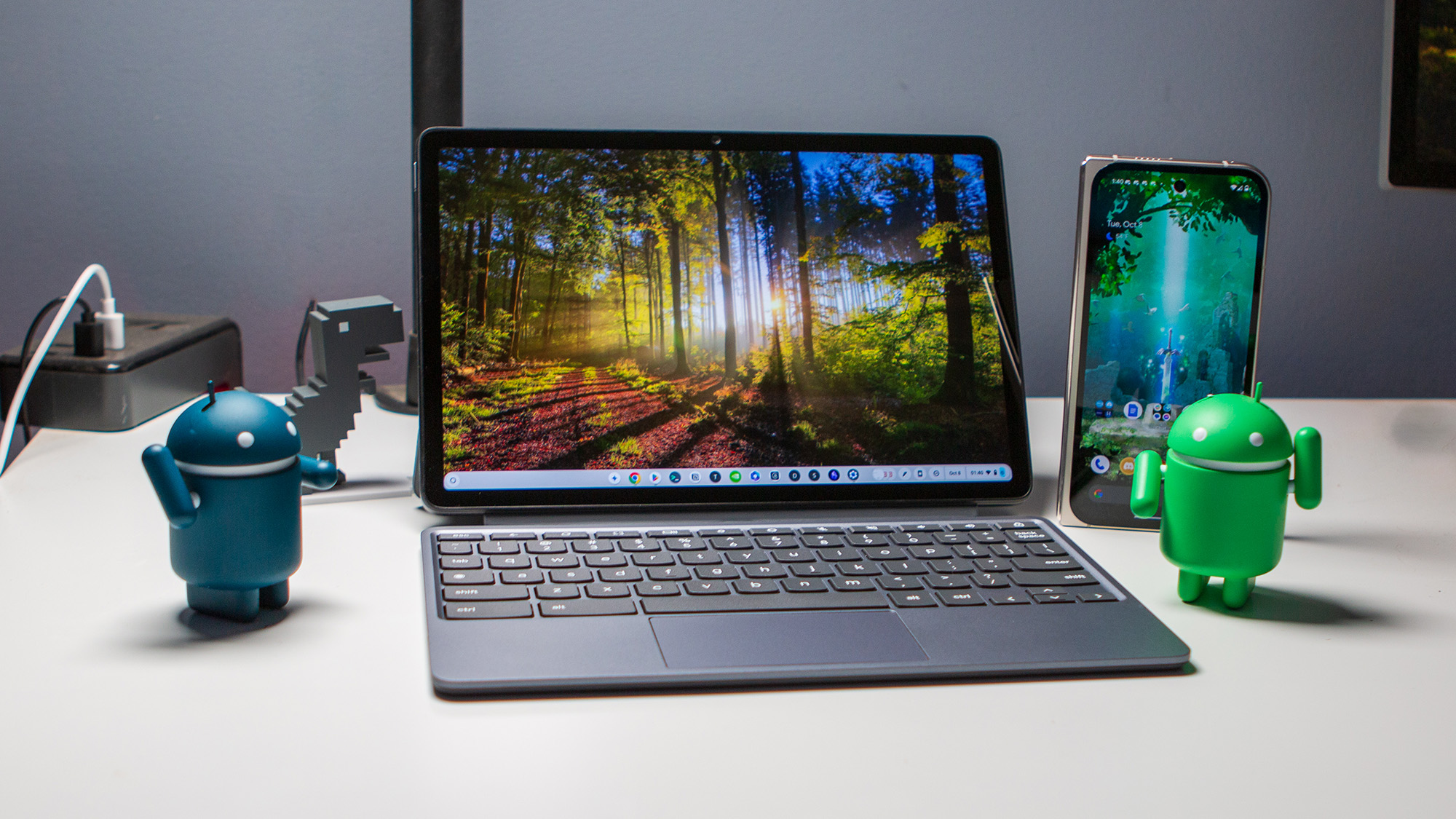
The screen comes in two flavors. The base model has a 13.3-inch 1080p panel. The upgrade is a 4K touchscreen. Both use a 16:9 aspect ratio. That feels cramped compared to the 16:10 screens on newer machines. The bezels are thick, especially on the top and bottom.
Battery life is rated at up to 12 hours. The charger is a 45W USB-C brick. Google claimed you can get two hours of use from a 20-minute charge.
In real use, a 2026 buyer on Yahoo Tech reported that battery life held up well for a seven-year-old device. They used it for a few hours at a time and never needed to carry the charger.
The Keyboard and Build Quality
The Pixelbook Go has one of the best keyboards Google ever made. The keys are backlit and quiet. Google called them "Hush Keys". The magnesium alloy body has a ribbed bottom.
That texture makes it easy to grip with one hand. CNN's reviewer called it the most grippable laptop surface they had tested.
The ports are minimal. You get two USB-C ports, one on each side. Both can charge the laptop. There is a single 3.5mm headphone jack on the left. No SD card slot. No USB-A. No HDMI.
What Owning a Pixelbook Go in 2026 Actually Feels Like?
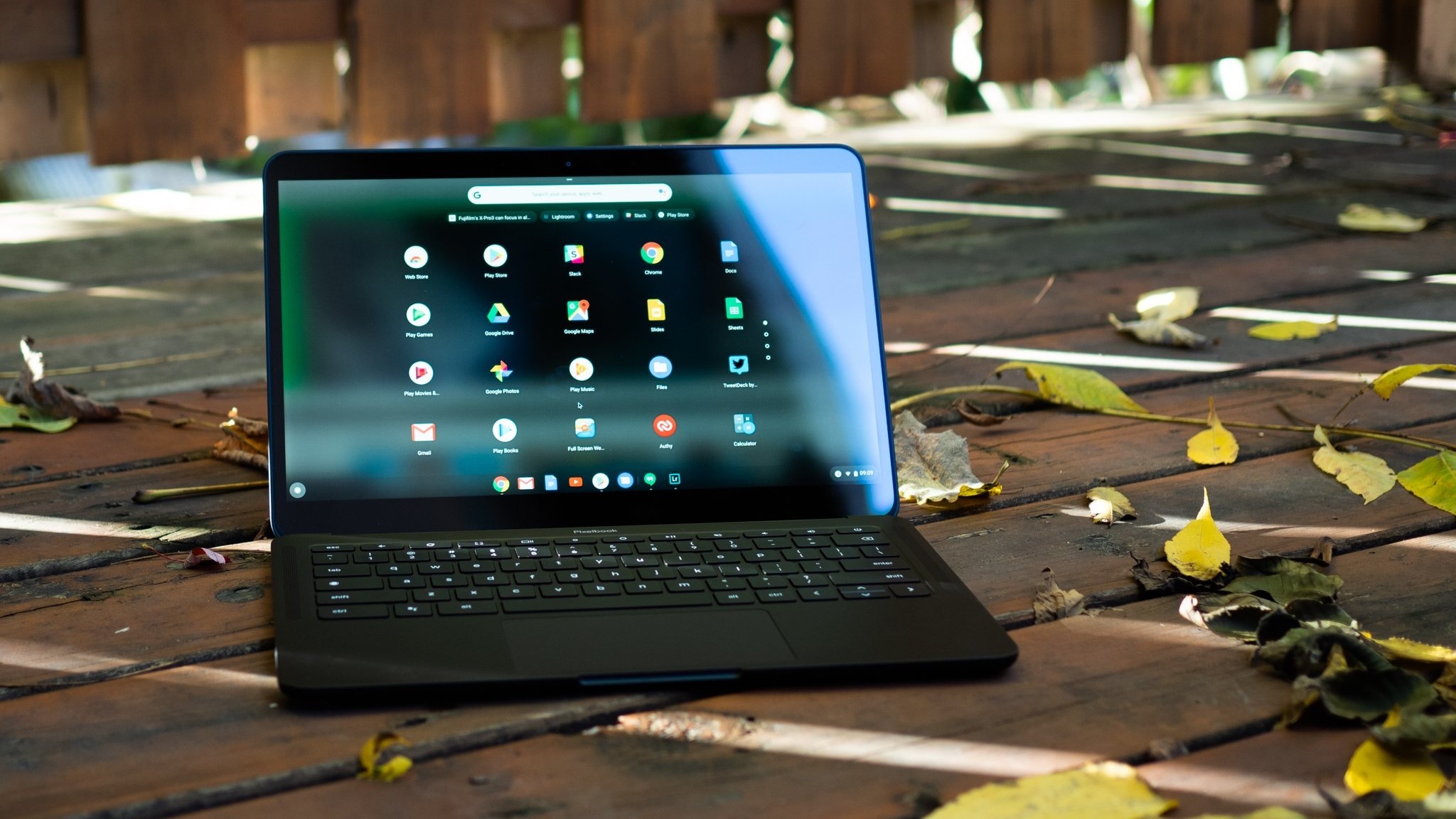
I borrowed a friend's Pixelbook Go for this piece. It was the i5 model with 8GB of RAM and a 1080p screen. The first thing I noticed was how light it felt. I carried it in a tote bag for a day and forgot it was there.
You Must Also Like: The Ultimate Guide to Finding Good Chromebooks for Students in 2026
The keyboard surprised me. I expected it to feel mushy after seven years of use. It did not. The keys still had a crisp, quiet snap. I typed a 1,500-word draft on it without hand cramps. That is more than I can say for some new budget laptops I have tested.
The screen is the weak point. The 1080p panel is fine for text. Colors look washed out next to a modern MacBook Air. The 16:9 ratio makes documents feel cramped. I kept scrolling more than I do on my usual 3:2 machine.
The Performance Reality Check
The i5-8200Y is a 2018 chip. It was not fast then. It is slower now. I opened five Chrome tabs and a Google Doc. The laptop handled it. Then I added a YouTube video in one tab.
The fanless design meant no noise. It also meant the chassis got warm near the hinge. The video played fine, but switching between tabs showed a half-second delay.
A 2026 buyer on Yahoo Tech had a similar experience with the m3 model. They said nothing ever felt "too slow" for their needs. Those needs were writing, Slack, and web browsing. That is the honest ceiling for this machine. It is a writing and browsing tool. It is not a video editor.
The Problems Nobody Mentions
The Pixelbook Go has known hardware issues. The hinge gets tight over time. Some users report clicking noises when opening the lid. A Chinese reviewer who bought a used top-spec model noted this as a common flaw.
They suggested adding lubricant to fix it. The camera is another weak spot. A ShopSavvy review noted that the camera stopped working after 18 months. The touchscreen also failed on their unit. These are not isolated complaints. Google's post-warranty support for Pixelbook hardware is limited. Repair options are scarce.
The software situation is better than you might expect. Google supports Chrome OS updates until August 2029. That gives you roughly three more years of security patches. After that, the laptop becomes a security risk if you connect it to the internet.
What About Running Windows or Linux?
You can install Linux on the Pixelbook Go. The Chinese reviewer did exactly that. They found that everything worked except the camera. Linux made the old hardware feel more useful.
Windows is harder. You need custom drivers, and the experience is not smooth. If you want a cheap Linux laptop, this is an option. But it is not the easiest path.
Should You Buy a Pixelbook Go Today?
The answer depends on what you need. The Pixelbook Go was never a good value at its $649 launch price. It is a better value now if you find one used. A 2026 buyer paid just under $300 for a new m3 model on Amazon. At that price, the math changes.
Buy it if: You want a light, quiet laptop for writing and web browsing. You like the idea of a great keyboard and do not need a powerful processor. You are comfortable with Chrome OS or willing to install Linux. You find one for under $300.
Skip it if: You need Windows apps. You edit photos or video. You want a screen with modern color accuracy. You need long-term hardware reliability. You are not willing to troubleshoot a seven-year-old device.
The Alternatives That Actually Exist
Google is not making new Pixelbooks. The Pixelbook team was disbanded in 2022 . If you want a new Chromebook in 2026, look at Asus. The company launched three models in India in June 2026.
The CM14 starts at ₹26,990. The CM15 is ₹28,990. The CM32 Detachable is ₹37,990. These have MediaTek Kompanio 540 chips, modern ports, and full software support.
If you want a premium Chromebook experience, the Pixelbook Go is the last of its kind. That is both its charm and its problem. It was a beautiful dead end.
The Final Thoughts
The Google Atlas Chromebook is a footnote in tech history. It became the Pixelbook Go, a laptop Google abandoned. The specs are dated. The support window is closing. The hardware has known flaws.
But there is something about this machine that still works. The keyboard. The weight. The quiet. If you find one cheap and you know what you are getting, it can be a lovely writing tool.
Just do not pay a premium for nostalgia. The Atlas name is gone. The Pixelbook Go is what remains. And it is not coming back.